
Dashboard tour
Featly ships an embedded dashboard — mount it at /featly, Hangfire-style,
and you have a full management UI for flags, configs, segments, experiments,
RBAC, approvals, webhooks, and audit. Everything reachable in the UI is also
reachable via the HTTP API.
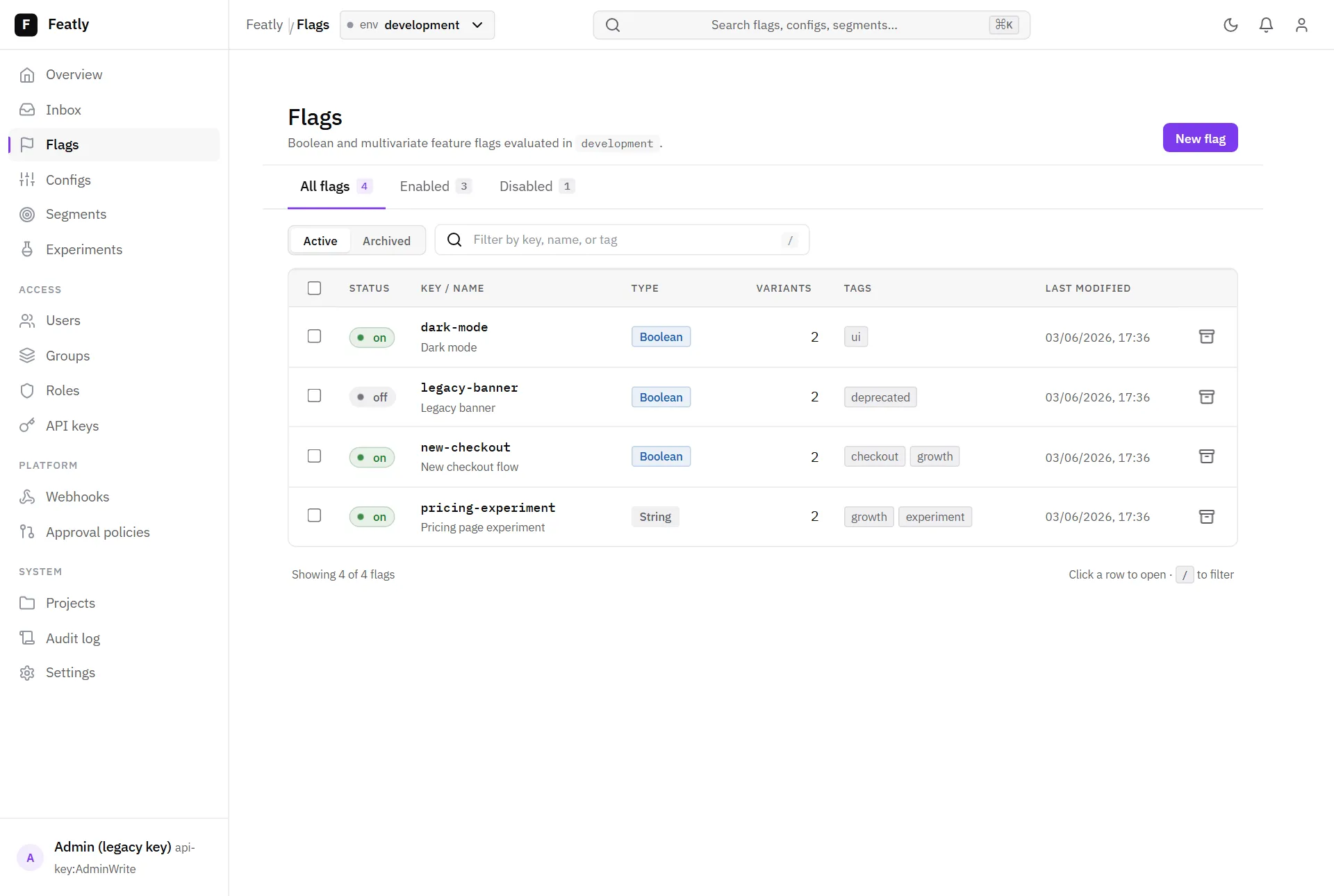
The shell has a left nav grouped by area (flags / configs / segments / experiments, access, platform, system), breadcrumbs, an environment pill, a light/dark toggle, and a command palette.
The Flags screen lists every flag with status, type, variants, tags, and last-modified, with quick filters and a tab split by enabled / disabled. A dismissible panel above the table surfaces stale-flag candidates — a flag with no targeting rules left, a stalled experiment (no exposures for a while), or an archived flag whose experiment is still running — each linking straight to the flag.
Creating things
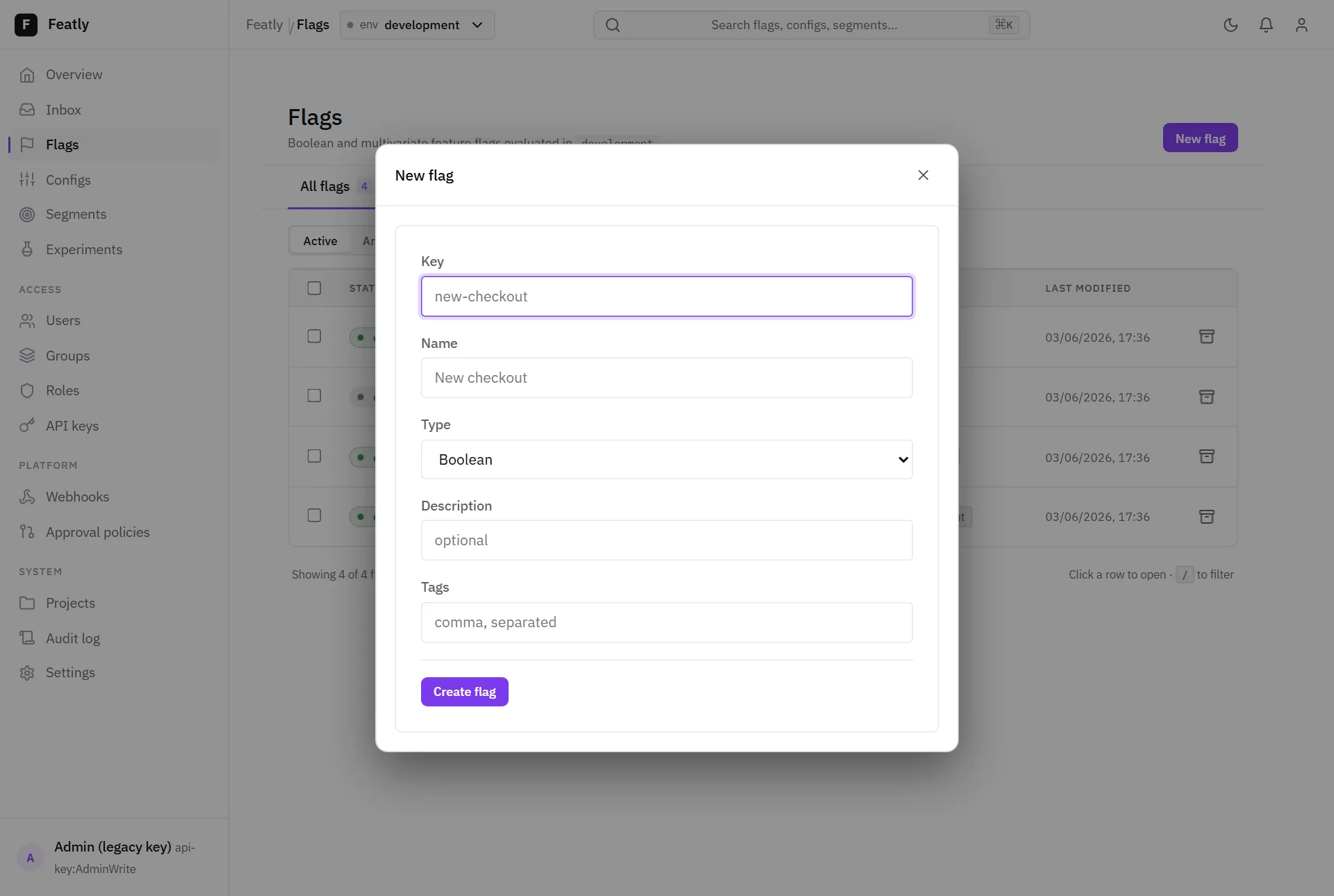
Section titled “Creating things”New flag — and the equivalent on Configs and Segments — opens a quick create modal that seeds a valid entity and drops you straight into its editor.
The visual rule editor
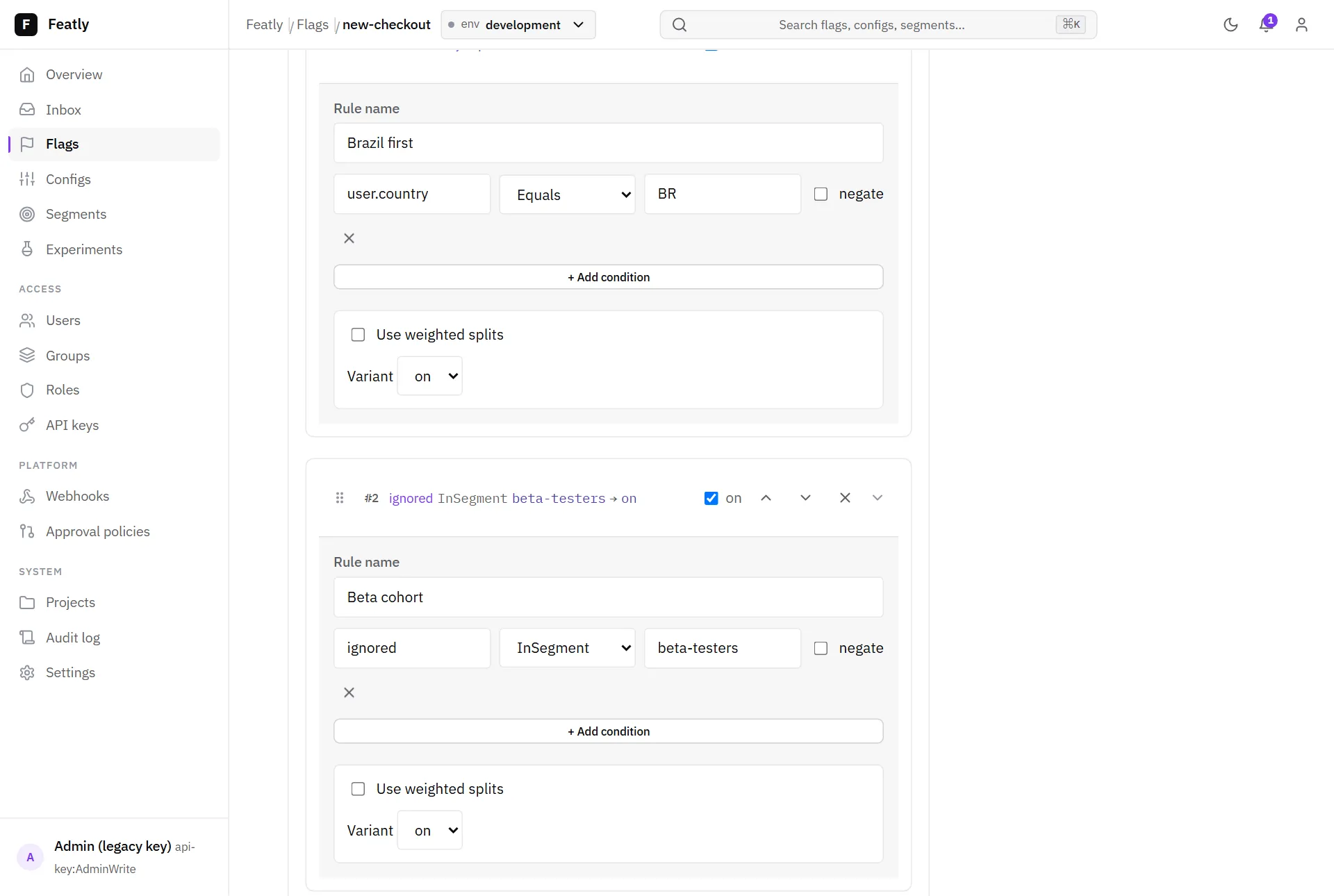
Section titled “The visual rule editor”Opening a flag gives you the editable detail plus a visual rule editor: each rule is a collapsible card of AND-ed conditions (attribute, operator, value, optional segment) resolving to a variant or a weighted split — no JSON required.
The JSON editor
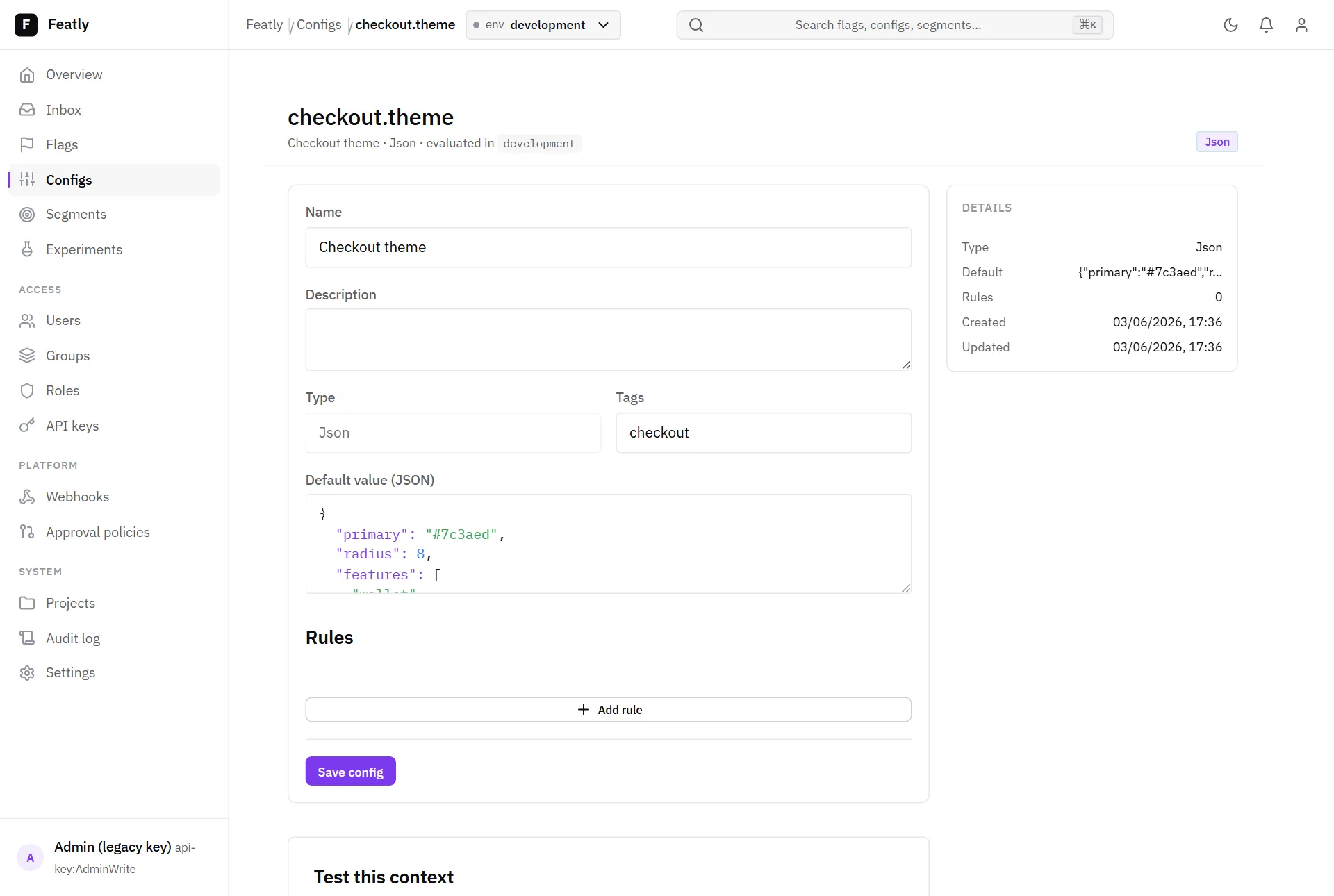
Section titled “The JSON editor”JSON-typed values (a Json flag variant or config value) use a
syntax-highlighted editor that validates and pretty-prints as you type.
Settings
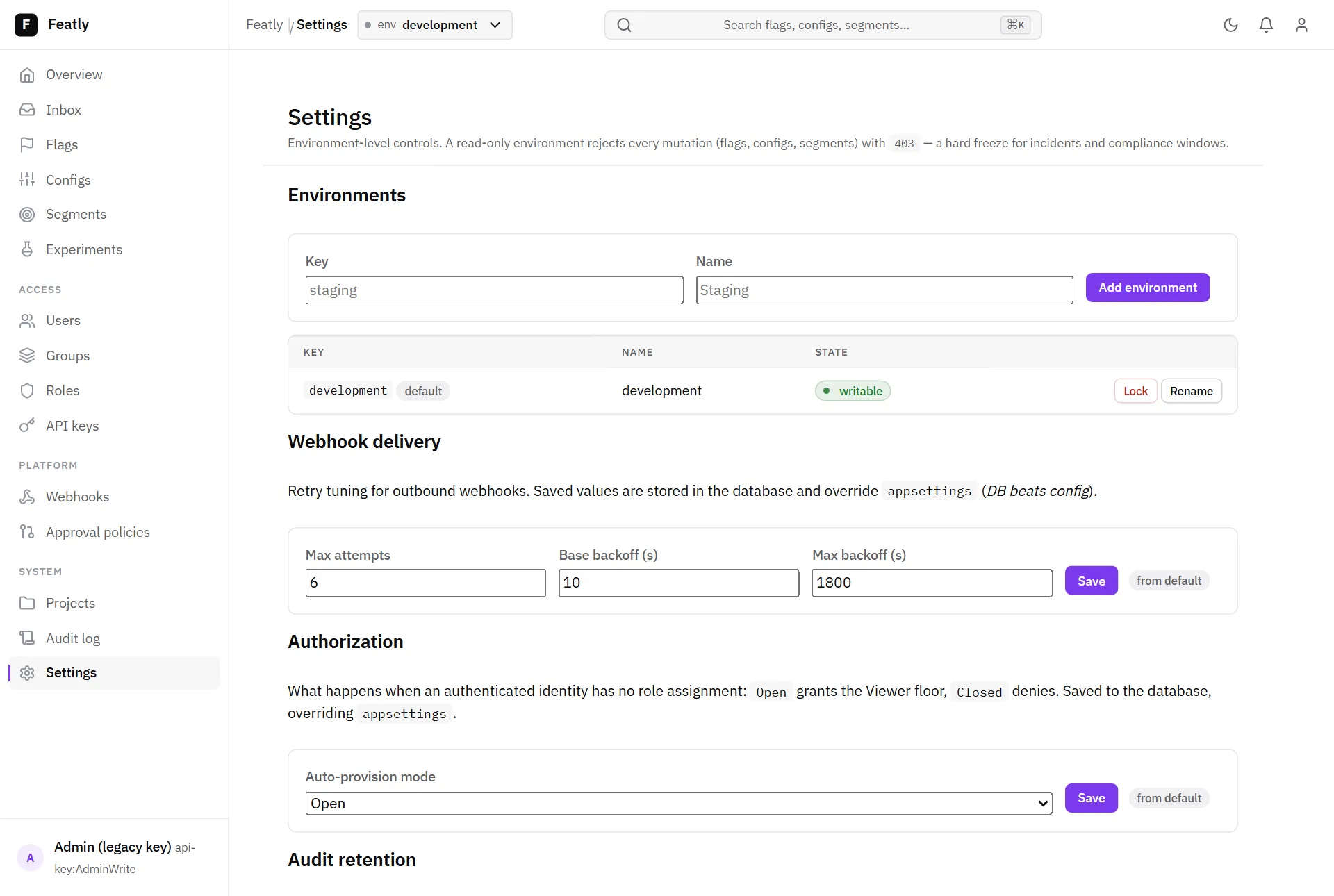
Section titled “Settings”The Settings screen edits runtime settings with database-overrides-config
precedence — webhook retry tuning, the auto-provision policy, audit retention,
approval defaults, and request rate limiting. Each setting shows whether its
effective value comes from the database or appsettings. The same screen
lists each environment with its lock state and connected SDK clients + last
config sync (best-effort, in-process — see
Deployment
for the multi-replica caveat).
Approvals — the Inbox
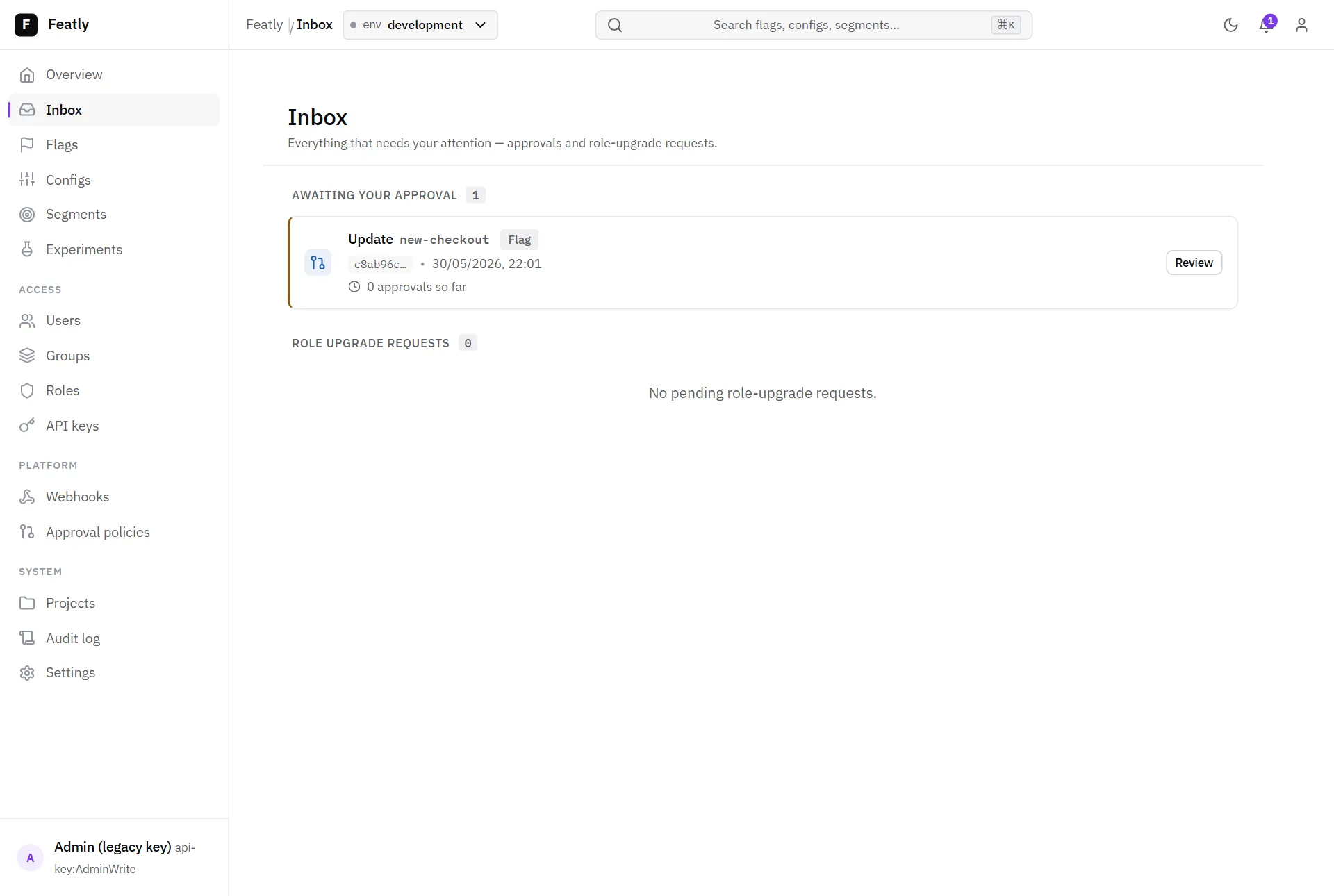
Section titled “Approvals — the Inbox”When an environment requires approval, mutations become pending changes. The Inbox collects what needs your attention — approvals and role-upgrade requests.
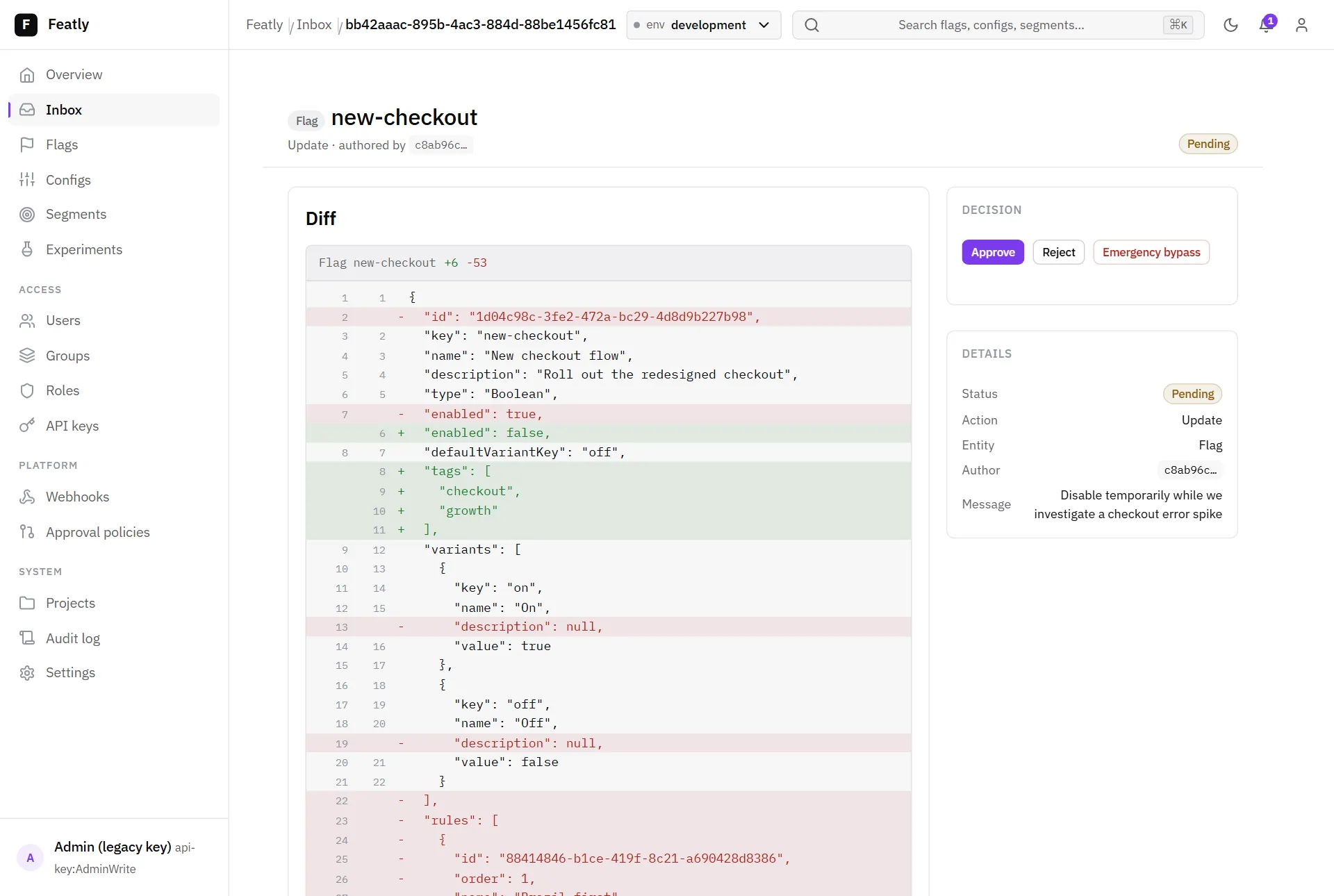
Reviewing a change shows a line-level current → proposed diff before you approve or reject it.
Audit log
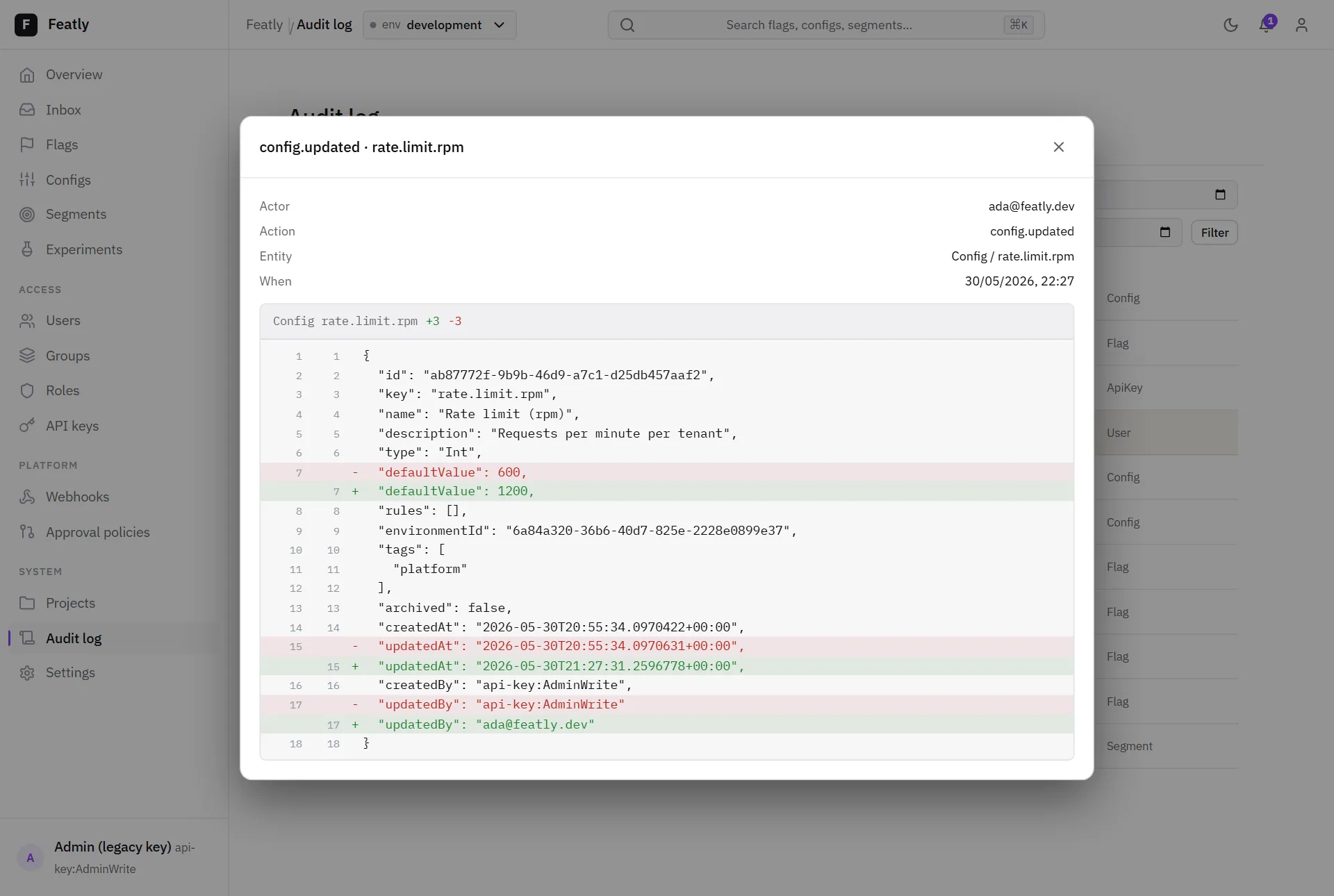
Section titled “Audit log”Every mutation is recorded in the Audit log; clicking an entry opens a before/after diff.
Command palette
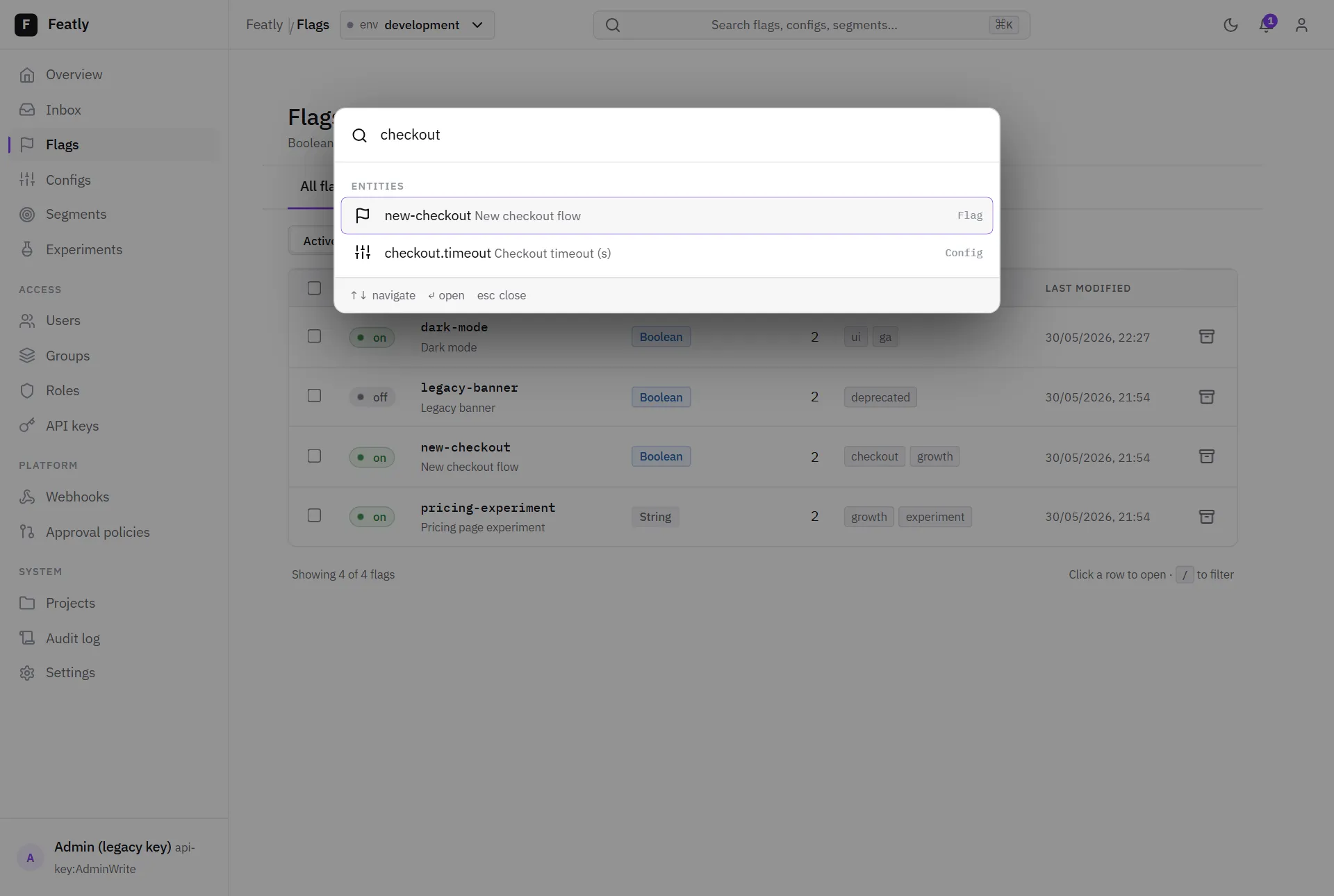
Section titled “Command palette”Press Cmd/Ctrl-K anywhere to open the command palette — jump to a screen
or search flags, configs, and segments by key or name.
- Getting started — stand the dashboard up locally.
- Governance — the model behind approvals, RBAC, and the audit log.
- Modularity — disabled feature areas disappear from this nav automatically.